
Understanding How the Internet Works for Developers
For developers, understanding how the internet works is just as important as learning a programming language.
Every time a user opens a website, submits a form, or calls an API, a complex series of events happens behind the scenes.
Knowing these fundamentals helps developers debug issues faster, design better systems,
and build more secure and scalable applications.
This guide explains how the internet works from a developer’s perspective,
covering key concepts such as DNS, IP addresses, HTTP, servers, browsers, and data flow.
What Is the Internet?

The internet is a global network of interconnected computers and servers.
These systems communicate with each other using standardized protocols
to exchange data across vast distances.
At its core, the internet is simply a network of networks.
Devices connect locally through routers and switches,
and those networks connect globally through internet service providers.
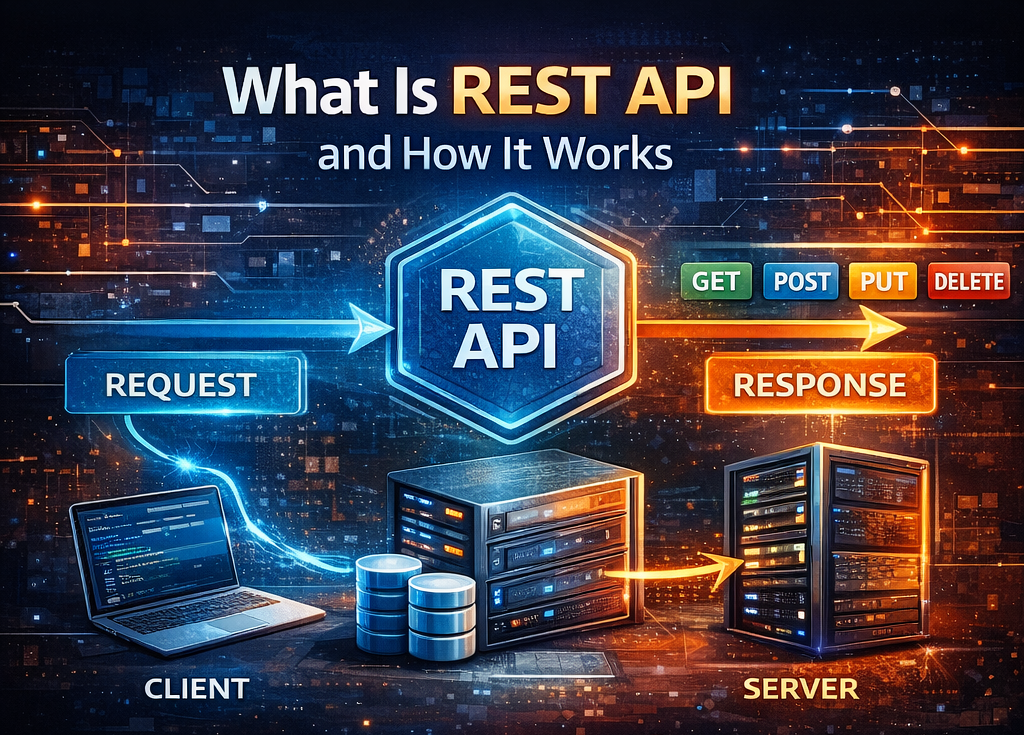
Clients and Servers
Most internet communication follows a client–server model.
A client is typically a web browser, mobile app, or API consumer.
A server is a system that processes requests and sends back responses.
When a user enters a website URL in a browser,
the browser acts as a client that requests data from a server.
The server responds with HTML, CSS, JavaScript, or API data.
IP Addresses and Ports
Every device connected to the internet has an IP address.
An IP address is a unique numerical identifier that allows devices
to locate and communicate with each other.
Ports are used to identify specific services on a server.
For example, web servers commonly use port 80 for HTTP
and port 443 for HTTPS.
Developers interact with ports frequently when configuring servers and APIs.
What Is DNS and Why It Matters
DNS stands for Domain Name System.
DNS translates human-readable domain names
into IP addresses that computers can understand.
When you type a URL into a browser,
the browser first queries a DNS server
to find the IP address associated with that domain.
Without DNS, users would need to remember numeric IP addresses.
How a Website Request Works
When a user visits a website, several steps occur almost instantly.
Understanding this flow is critical for developers.
- The browser resolves the domain name using DNS
- The browser connects to the server’s IP address
- An HTTP or HTTPS request is sent
- The server processes the request
- The server sends a response back to the browser
- The browser renders the content
Each step can introduce latency or errors,
which is why understanding the request lifecycle
is important for performance optimization.
HTTP and HTTPS Explained
HTTP is the protocol used for communication between clients and servers on the web.
It defines how requests and responses are structured.
HTTPS is the secure version of HTTP.
It uses encryption to protect data in transit.
For developers, HTTPS is mandatory for security, SEO, and modern browser support.
Request and Response Cycle
An HTTP request includes a method, headers, and sometimes a body.
Common methods include GET, POST, PUT, PATCH, and DELETE.
The server responds with a status code, headers, and response data.
Status codes indicate whether a request was successful or failed.
Understanding these codes helps developers diagnose issues quickly.
What Happens on the Server
When a server receives a request,
it routes the request to the appropriate application or service.
This may involve authentication, business logic,
database queries, and third-party API calls.
The server then constructs a response and sends it back to the client.
Efficient server-side processing is crucial for application performance.
Role of Databases
Many web applications rely on databases to store and retrieve data.
Servers communicate with databases internally
and include the retrieved data in responses.
Developers must understand how database queries
impact response time and scalability,
especially for high-traffic applications.
How Browsers Render Web Pages
After receiving a response,
the browser parses HTML, CSS, and JavaScript.
It builds a document structure,
applies styles,
and executes scripts to render the final page.
JavaScript can trigger additional network requests,
which is why frontend performance
is closely tied to network behavior.
APIs and Modern Web Applications
Modern applications often separate frontend and backend logic.
Frontend clients communicate with backend APIs over the internet.
Understanding how APIs work over HTTP
helps developers design clean interfaces
and debug issues related to data exchange.
Security Considerations
The open nature of the internet makes security a top priority.
Developers must protect applications against common threats
such as man-in-the-middle attacks, data leaks, and unauthorized access.
HTTPS, authentication, authorization,
and proper server configuration
are essential for secure internet communication.
Performance and Latency
Network latency affects user experience.
Distance between client and server,
DNS resolution time,
and server processing speed
all contribute to performance.
Developers optimize performance using caching,
compression, content delivery networks,
and efficient API design.
Why Developers Must Understand Internet Fundamentals
Understanding how the internet works
allows developers to write better code,
troubleshoot issues faster,
and design scalable architectures.
It bridges the gap between frontend and backend development
and helps developers communicate effectively with DevOps and infrastructure teams.
Conclusion
The internet may seem simple from a user’s perspective,
but it involves many interconnected systems and protocols.
For developers, understanding these fundamentals
is essential for building reliable and high-performance applications.
By mastering how the internet works,
developers gain deeper insight into web behavior,
improve debugging skills,
and build applications that perform well in real-world conditions.